Python PDF Rotate Pages
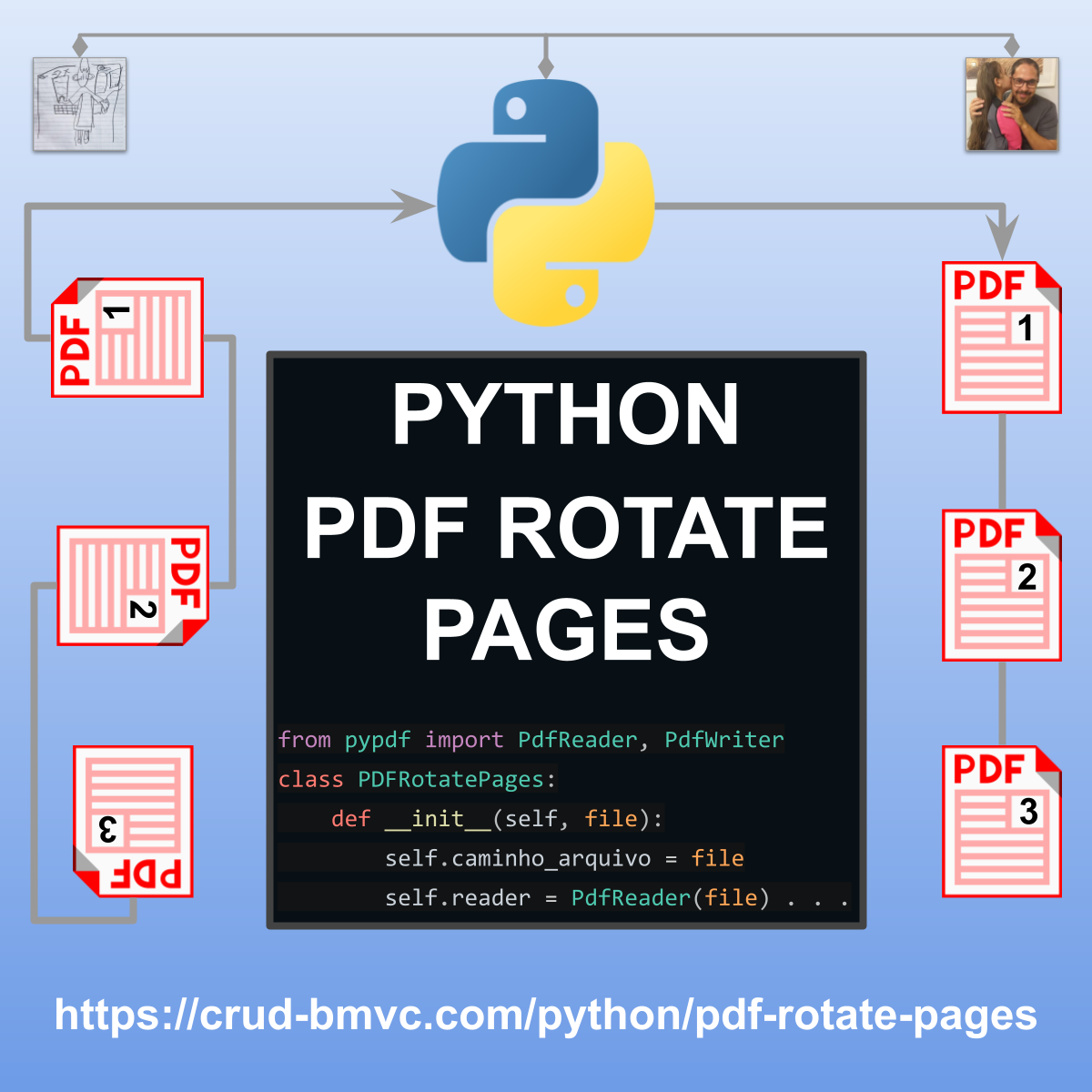
Abaixo você encontra os procedimentos para configuração e o código-fonte em Python desenvolvido para girar páginas de arquivos PDF.
Procedimento Operacional Padrão (POP)
1. Criar o ambiente virtual (venv) no Windows
Ainda não criou o seu ambiente localhost? Veja no link abaixo como fazer.
2. Instalar as bibliotecas Python
Com o ambiente virtual ativado, instale a biblioteca externa pypdf necessária para a manipulação dos arquivos PDF:
pip install pypdf3. Como configurar o script
-
Estrutura de Pastas: Certifique-se de que o diretório de destino (ex: C:\test\) exista ou altere a variável
pathno script para o seu caminho local desejado. -
Instanciação: Crie o objeto passando o caminho do arquivo de origem:
pdf = PDFRotatePages("caminho/do/arquivo.pdf"). -
Rotação de Páginas: Utilize o método
rotate_pages()informando:pages: Uma lista de páginas baseada no índice do usuário (iniciando em 1, ex:[1, 3]) ou a string"all"para todas as páginas.angle: O ângulo de rotação em graus (deve ser múltiplo de 90). Valores positivos giram no sentido horário.
-
Encadeamento de Métodos (Method Chaining): A classe permite encadear chamadas sequenciais como
PDFRotatePages(...).rotate_pages(...).save(...). -
Salvar o Resultado: Chame o método
save("caminho/do/novo_arquivo.pdf")para gravar as alterações em um novo arquivo.
Código-Fonte
# REQUEST LIB PYTHON
from pypdf import PdfReader, PdfWriter

class PDFRotatePages:
 def __init__(self, caminho_arquivo):
  """Loads the PDF file into memory."""
  self.caminho_arquivo = caminho_arquivo
  self.reader = PdfReader(caminho_arquivo)
  self.writer = PdfWriter()

  # Copy all pages from reader to writer during initialization
  for page in self.reader.pages:
   self.writer.add_page(page)

 @property
 def total_pages(self):
  """Returns the total number of pages in the PDF."""
  return len(self.writer.pages)

 def rotate_pages(self, pages, angle):
  """
  Rotates specified pages.
  :param pages: List of page numbers (1-indexed, e.g., [1, 3]) or the string 'all'.
  :param angle: Angle in degrees (must be a multiple of 90). Positive = clockwise.
  :return: Returns the instance itself to allow method chaining.
  """
  if angle % 90 != 0:
   raise ValueError("Angle must be a multiple of 90 degrees.")

  if pages == "all":
   indices = range(self.total_pages)
  else:
   # Convert 1-indexed (user-facing) to 0-indexed (Python internal)
   indices = [p - 1 for p in pages if 1 <= p <= self.total_pages]

  for idx in indices:
   self.writer.pages[idx].rotate(angle)

  return self  # Enables method chaining

 def save(self, caminho_saida):
  """Saves changes to a new PDF file."""
  with open(caminho_saida, "wb") as output_file:
   self.writer.write(output_file)
   print(f"✅ File successfully saved to: {caminho_saida}")


# ==========================================
# EXAMPLE IMPLEMENTATION
# ==========================================
if __name__ == "__main__":

 # Example path setup
 path = "C:\\test\\"
 file_name = "dev-rotate-page"
 file_type = ".pdf"

 # 1. INSTANTIATE CLASS - READ ORIGINAL PDF
 pdf = PDFRotatePages(path + file_name + file_type)

 print(f"File pages: {pdf.total_pages}.")

 # 2. ROTATE PAGES
 pdf.rotate_pages(pages=[1], angle=0)
 pdf.rotate_pages(pages=[2], angle=90)
 pdf.rotate_pages(pages=[3], angle=-90)
 pdf.rotate_pages(pages=[4], angle=-180)

 # 3. SAVE NEW FILE
 pdf.save(path + file_name + "-NEW" + file_type)

 # BONUS: METHOD CHAINING
 # PDFRotatePages(path + file_name + file_type) \
 #  .rotate_pages(pages=[1, 2], angle=90) \
 #  .rotate_pages(pages=[4], angle=-90) \
 #  .save(path + file_name + "-NEW" + file_type)